GRASS on conda-forge for every major platform

Full conda support for GRASS is finally here! You can now install GRASS 8.5.0 on conda on Windows, Linux, macOS on Intel, and macOS on Apple Silicon, simply by running:
conda install -c conda-forge grass
From soft launch to full rollout

GRASS was soft-launched on conda with the 8.4.2 release, with packages for Linux
(linux-64) and macOS on Intel (osx-64). Now Windows (win-64) and macOS on
Apple Silicon (osx-arm64) are both fully supported, providing full coverage of
every major platform starting with GRASS 8.5.0.
This work was led by Huidae Cho, who carried conda packaging from early experiments to a complete, multi-platform release on the conda-forge grass feedstock. Reaching Windows in particular required the broader build-system modernization in 8.5.0, including full CMake support and MSVC build support.
What is conda anyway?
conda is a package manager that installs software and all its dependencies into isolated, reproducible environments across Windows, macOS, and Linux. The community-run conda-forge channel hosts thousands of scientific and geospatial packages, including GDAL, PROJ, NumPy, pandas, and Jupyter — and now GRASS, on every major platform.
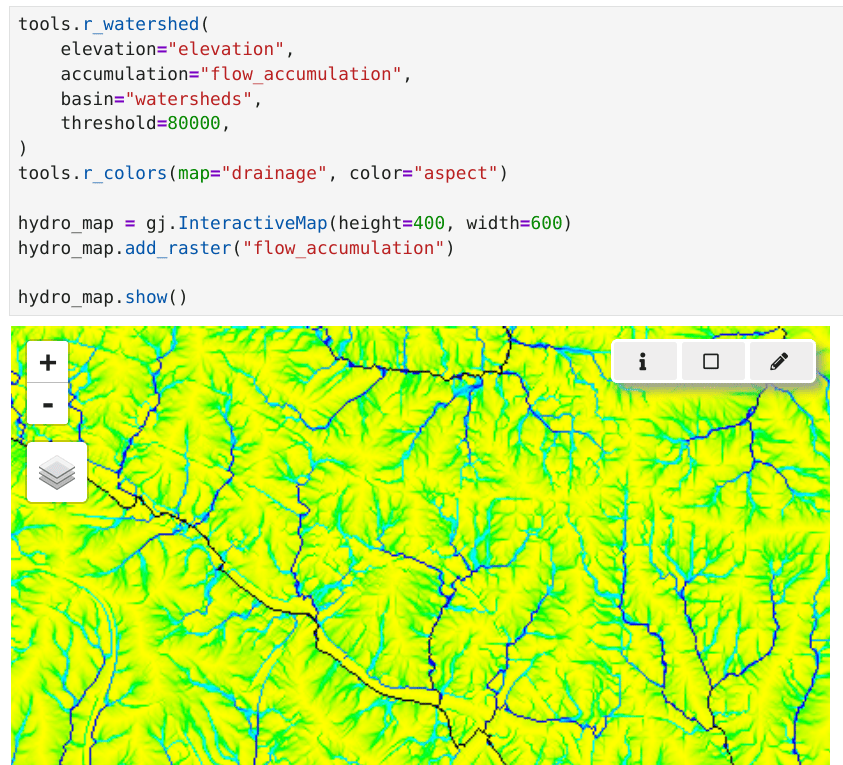
For GRASS users, that means installing GRASS alongside the rest of the stack
with one command, and capturing the whole environment in a single
environment.yml that recreates identically on any machine. It pairs
especially well with
grass.tools
and
grass.jupyter.
Install GRASS today
Create a fresh environment and install in one step:
conda create -n grass -c conda-forge grass
conda activate grass
grass
The same works with mamba for faster dependency resolution. The conda download page has environment files, Python usage, and more.
Daily snapshots for developers
Beyond the official conda-forge releases, there is an experimental channel,
grass-conda, that builds GRASS from source
and publishes daily development snapshots for noarch, linux-64,
osx-64, osx-arm64, and win-64. It offers grass (the latest release) and
grass-dev (a daily development snapshot), which is handy for testing the
current development version before it lands in a release. For example, with
micromamba:
micromamba create -n grass -yc https://grass-conda.isnew.info/ grass-dev c-compiler
micromamba run -n grass grass
See grass-conda.isnew.info for full setup instructions on each platform, recipes, and build details. For everyday use, the official conda-forge packages are the recommended route.
Support the project
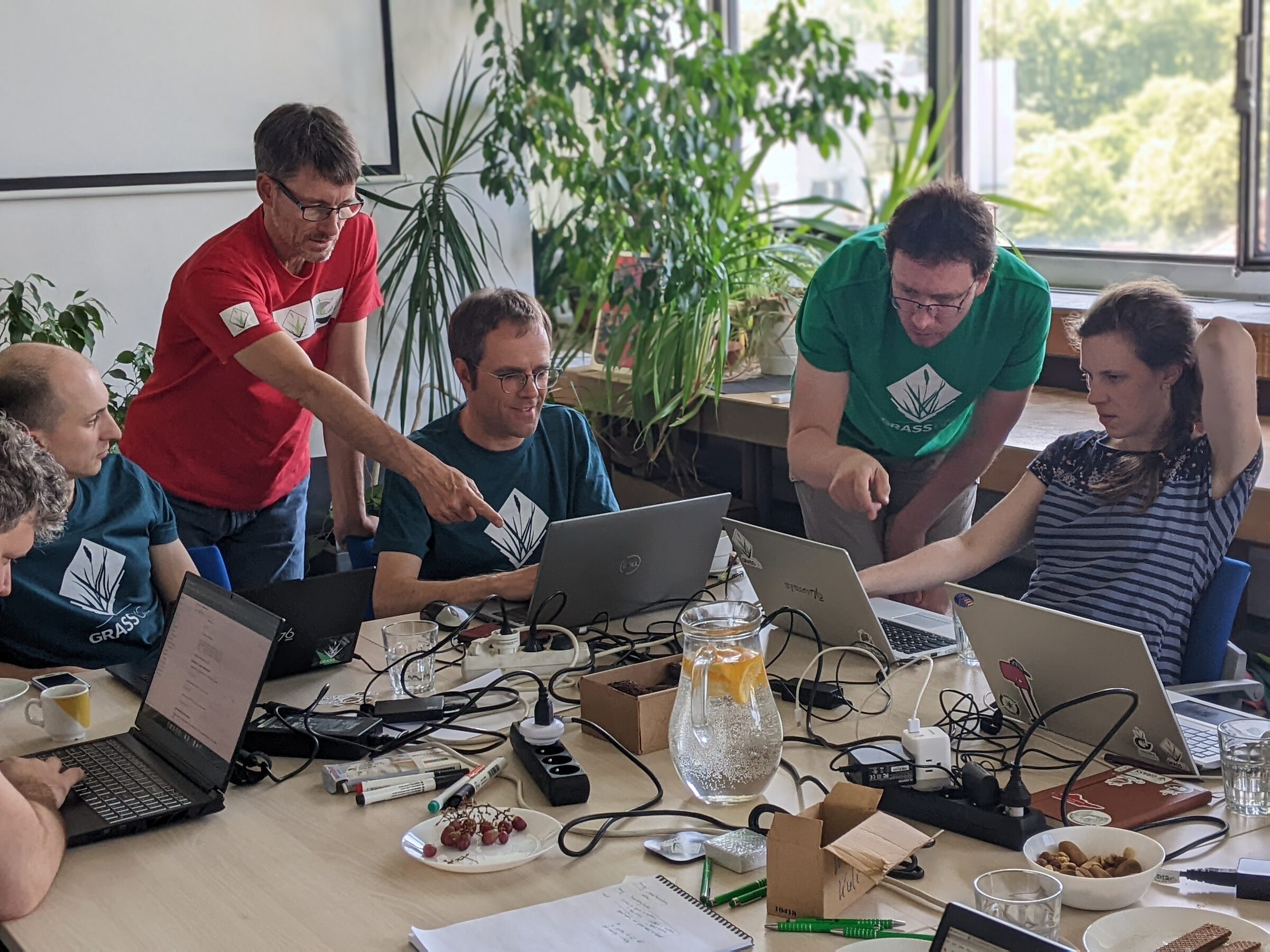
The modernization of the GRASS build system, including the transition to CMake, Windows MSVC support, and conda packaging, was supported in part by the U.S. National Science Foundation (NSF) POSE program (award #2303651). That funding got us across all platforms on conda. Keeping these packages building, current, and reliable now becomes ongoing maintenance that needs continued support.
The fastest way to help is a direct donation through NumFOCUS; for more options, including corporate sponsorship and invoicing, see the Sponsoring page.
Learn GRASS
- Tutorials: guided introductions and worked examples, from first steps to advanced workflows.
- Tool manual pages: reference for every GRASS tool, with command-line, grass.tools, and grass.script usage on each page.
- grass.tools: call GRASS tools as native Python functions with NumPy and JSON I/O.
- grass.jupyter: use GRASS in Jupyter notebooks with interactive 2D and 3D maps.
- Ready-made notebooks on Binder: the GRASS tutorial and the hydrology example, with more on the Try GRASS online page.
Thanks to Huidae Cho, Nicklas Larsson and everyone who worked on the conda-forge feedstock for getting GRASS onto every major platform.
This post was prepared by Vaclav Petras on behalf of the GRASS community.